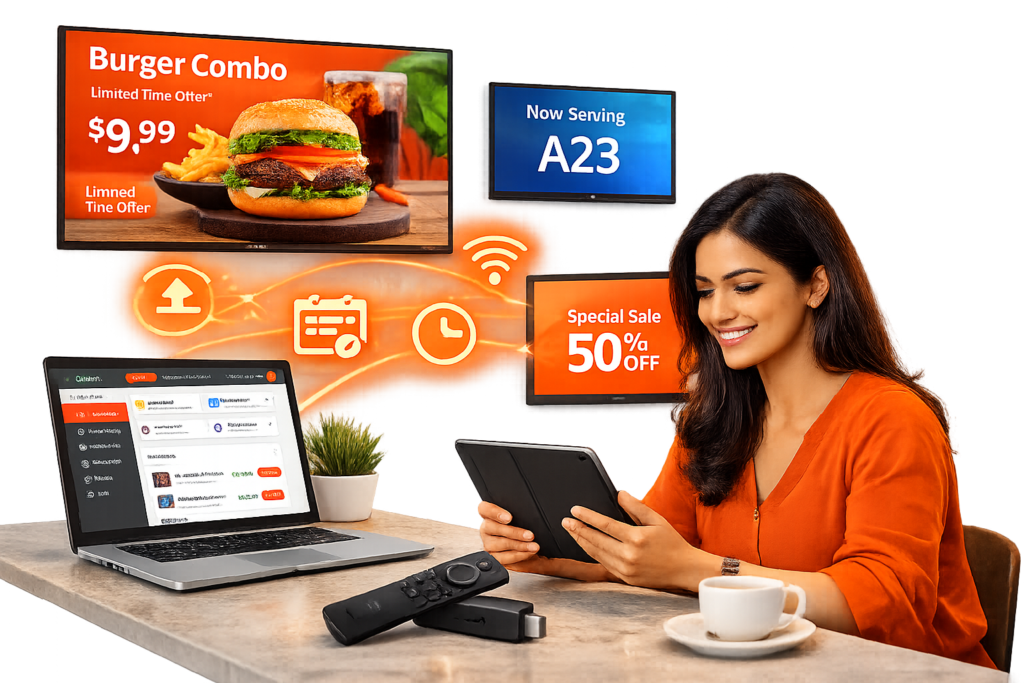
Zylari helps businesses manage and control digital screens across one or multiple locations from a simple cloud based dashboard. Upload images and videos, schedule content by date and time, and keep every screen updated in seconds without technical complications or manual work.
Features
Powerful Tools For Every Screen
Remote content upload
Smart scheduling
Offline playback support
Multi location grouping
Auto launch kiosk mode
4K compatible display support
How it Works
Get Started In Minutes
Step 1
Install the Zylari App
Download and install the Zylari app on your Android TV or Firestick device directly from the store and open it to begin setup.
Step 2
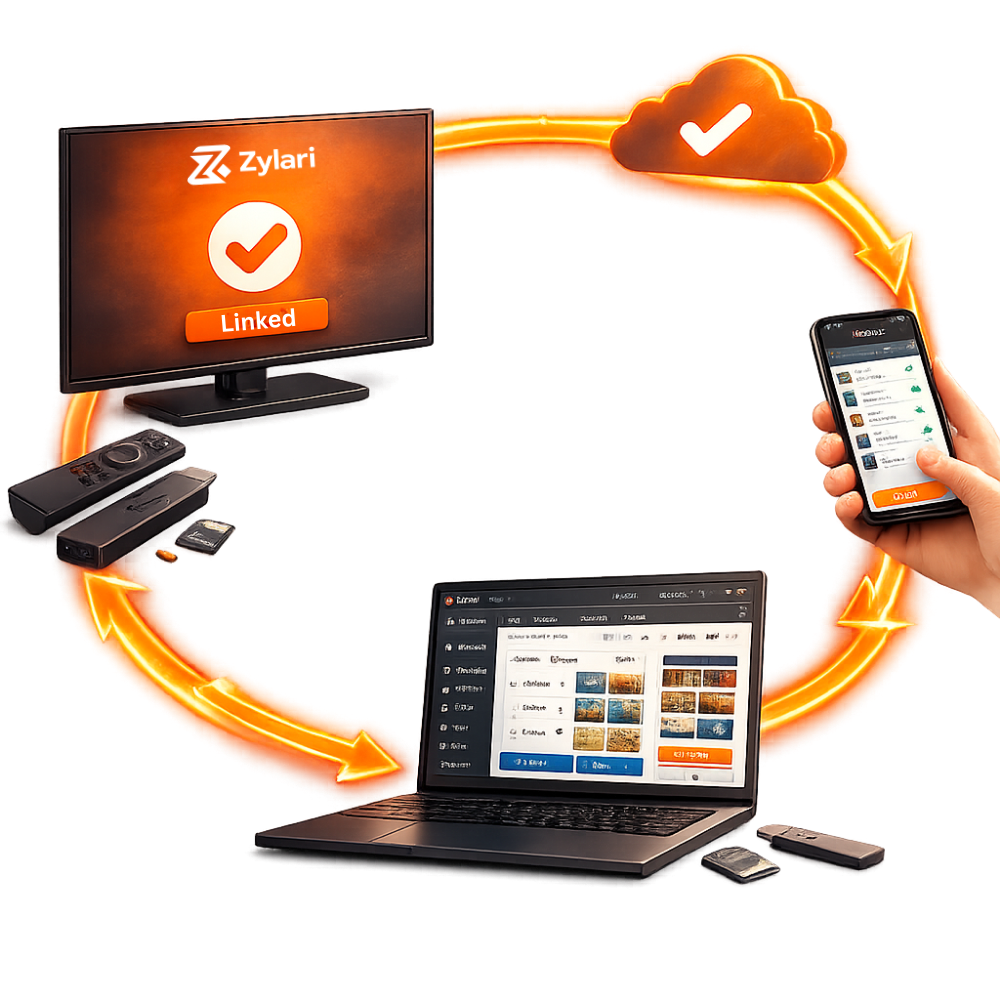
Link Your Screen
Use the unique code shown on your screen to connect it securely with your Zylari dashboard in just a few seconds.
Step 3
Upload Your Content
Add images or videos from your dashboard and organize them into playlists for different screens or locations.
Step 4
Schedule and Publish
Set specific dates and times for your content to play automatically and publish instantly to all connected screens.
Optional Managed Content Support
We handle content updates so you don’t have to
Designed for businesses that want hands-off management
Our support team is here to ensure your screens run smoothly and your content stays updated without interruptions. Choose a plan that matches your business needs and receive responsive assistance from our dedicated team.
No technical experience is required. The dashboard is designed to be simple and user friendly so you can upload, schedule, and manage content easily from any device.